A trade journal that fills itself in from a screenshot
Most traders know they should keep a journal. Most give up within a fortnight, because logging every trade by hand is a chore.
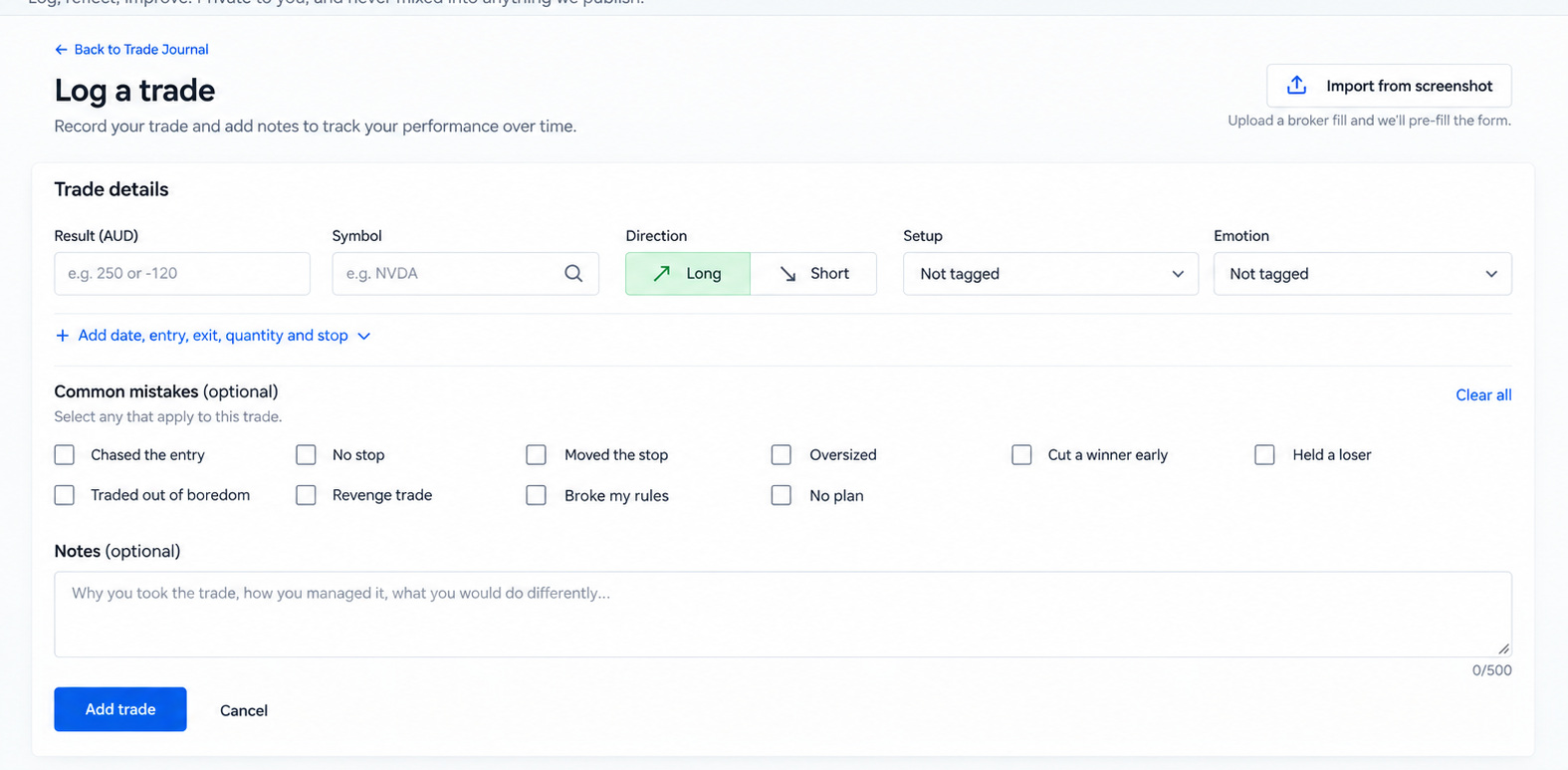
The InsiderPulse trade journal takes the chore away. Upload a screenshot of the trade from your broker, and it reads the screenshot and fills in the entry for you. Check it, save it, done.
What it tracks
- Your results over time
- Gain rate: the share of closed trades that ended in a gain
- Average gain and average loss
- Your best and worst setups
- Your costliest mistake
- A screenshot of every trade, kept privately
It is built to answer the two questions a journal exists for: what works for you, and what keeps costing you.
No broker connection needed
Many journal apps sync with your broker account. This one doesn't need to. You never connect a broker account or share a broker login, and because it reads screenshots rather than syncing, it isn't tied to a list of supported brokers.
A journal that knows how you trade
Set up your trading profile once: your style, markets, sectors, risk and screen time, in your own words. On Trader and Professional plans, Your Edge Today then gives you a daily read on market conditions and the names that fit how you trade, not a generic list.
Your journal and your market data in one place
InsiderPulse includes the journal alongside its market data: insider filings, congressional trades, options activity and momentum, all scored 0 to 100.
Plans
- Free: up to 5 journal entries, entered by hand. Permanent, no payment method needed.
- Investor, Trader and Professional: unlimited entries and screenshot import. Investor is US$9.99 a month, with the first month free.